Best Linux NAS Software in 2026: 5 I Tested on My Homelab
Running a homelab NAS in 2026? I tested TrueNAS SCALE, OMV, Unraid, and more. Here's which Linux NAS software is actually worth your time.

In this article
If you’ve been hunting for the best Linux NAS software 2026 has to offer, I have good news and weird news. The good news: the options have never been better. The weird news: half of them changed dramatically in the last 18 months, so most of the comparison articles you’ll find online are already stale.
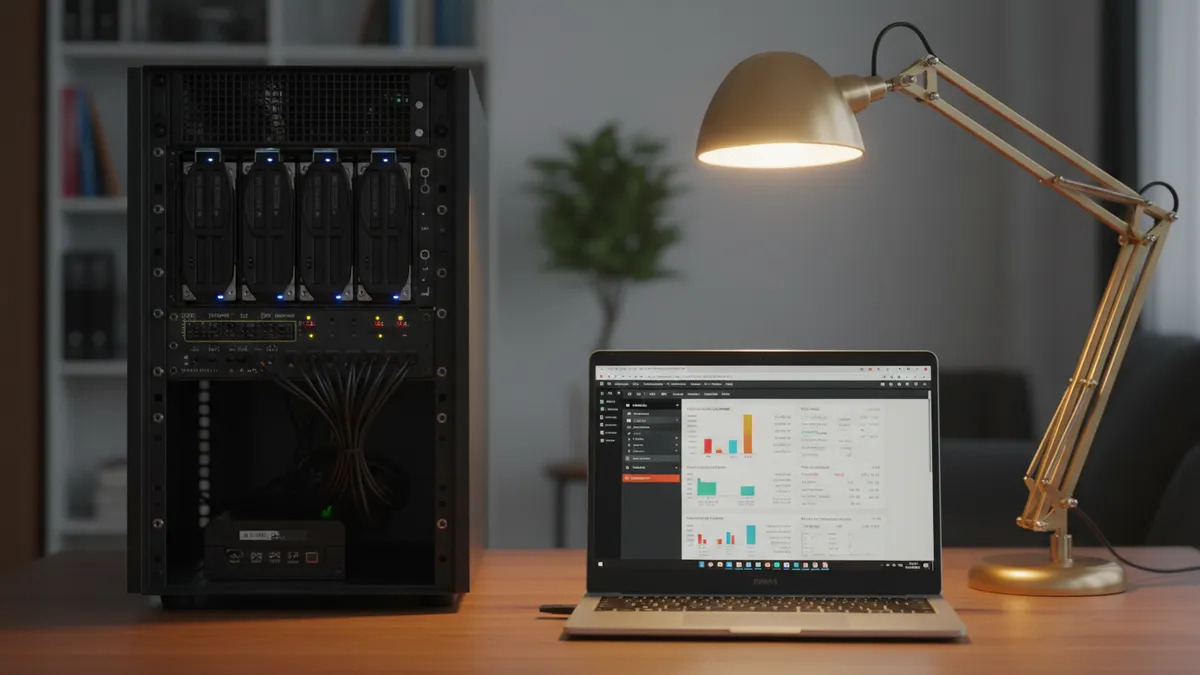
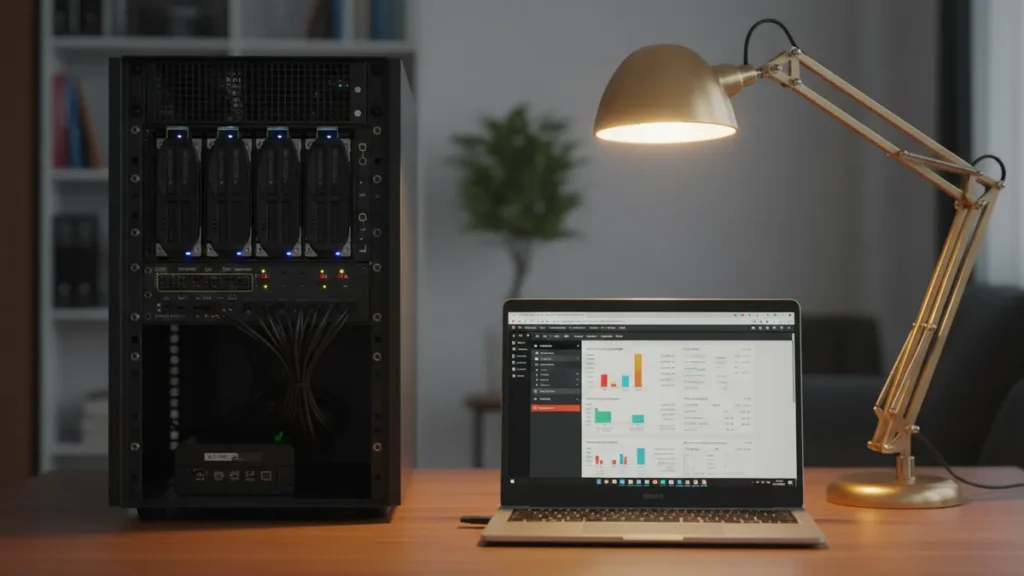
I spent the last few months running five Linux NAS platforms on the same hardware — an old Dell PowerEdge in my basement that’s been the backbone of my homelab since 2019. Some of them surprised me. One of them lost a license model that I’d recommended for a decade. And one of them I almost didn’t include because honestly… you might not need dedicated NAS software at all.
Quick answer: For most people in 2026, TrueNAS SCALE is the best Linux NAS software overall — free, ZFS-backed, and the Electric Eel update finally made Docker sane. Budget builders should grab OpenMediaVault 7. Media hoarders with mismatched drives still want Unraid, despite the new subscription pricing.
What I Actually Tested (And Why It Matters)
I don’t trust reviews where I can’t see the rig. So let me show mine first.
My Homelab Test Environment
Everything ran on the same machine: a Dell PowerEdge T330, Xeon E3-1230 v5, 32GB ECC RAM, four 4TB spinning drives in a backplane, and a tiny 240GB SSD for the OS. Nothing fancy. The kind of hardware most homelabbers have either bought used or inherited from a decommissioned office server.
I also kept a Raspberry Pi 5 with a USB 3.0 enclosure on standby to test the lighter options. If something can’t run reliably on a Pi, the homelab community will let you know within the week.
How I Evaluated Each NAS OS
I scored each platform on six things: ease of setup, Docker integration, data integrity, hardware requirements, total cost, and real-world stability across a full 30+ day uptime test. I also tried to break each one — yanking drives during writes, forcing reboots, and pushing the file shares with parallel rsync jobs.
Quick confession: I’m extremely paranoid about data integrity because I bricked my first FreeNAS array back in 2012. Wrong cable, wrong pool import command, gone in 90 seconds. I cried in my kitchen. Since then, I treat every NAS evaluation like the data on it actually matters — because someday, it will.
1. TrueNAS SCALE — Best Overall Linux NAS Software
TrueNAS SCALE is the Debian-based, fully Linux successor to the FreeBSD-based TrueNAS CORE. It’s free, fully open source, and after the Electric Eel update it finally feels finished.
What Changed in the Electric Eel Update
Look, I’ll be honest — old TrueNAS SCALE had a problem. The application backend was built on Kubernetes via a project called TrueCharts, and it was… a lot. You wanted to run a Plex container. You ended up debugging a Helm chart at 2am.
The Electric Eel update threw all of that out and replaced it with native Docker. You can now deploy services with Docker Compose by literally pasting a docker-compose.yaml file into the UI. That single change moved TrueNAS SCALE from “powerful but painful” to “I actually recommend this to friends.”

If you’re new to containers entirely, start with my guide on getting Docker running on Linux first — TrueNAS will make a lot more sense afterward.
ZFS: Why It’s Non-Negotiable for Serious Data
The real reason I keep coming back to TrueNAS is ZFS. ZFS’s copy-on-write and checksumming catch silent data corruption — what the storage world calls “bit rot” — without you doing anything.
“ZFS ensures that the data you read consists of the exact same bits that were originally written — it runs a checksum on every block, detects silent corruption automatically, and can repair it without user intervention.” — Need to Know IT
If you’ve ever managed disks with LVM for flexible storage management, ZFS feels like the next evolution — pool management, snapshots, integrity checks, all in one layer.
TrueNAS SCALE Pros and Cons
- Pros: Free and open source, native Docker, ZFS by default, snapshots, replication, and an active community.
- Cons: RAM hungry — minimum 8GB, but I’d plan on 16GB+ for any pool over 8TB. ZFS ARC will eat what you give it.
- Best for: Anyone whose data they can’t afford to lose.
2. OpenMediaVault 7 — Best Free and Lightweight Option
If TrueNAS is the German engineering of the NAS world, OpenMediaVault is the Honda Civic — efficient, reliable, and runs forever on cheap parts. It’s also entirely free with no paid tier, ever.
Why OMV Runs on a Raspberry Pi Without Breaking a Sweat
Debian-based, ext4/XFS/Btrfs/F2FS support out of the box, ~300-400MB RAM at idle on my Pi 5. I have a friend who runs OMV on a Pi 4 with two USB drives as a backup target for her family photos. It’s been online for three years. She has touched it twice.
You can grab it from the OpenMediaVault official site and the install process is genuinely friendly — way easier than my first homelab attempt where I tried to roll my own NAS by hand-configuring Samba and learning setting up an NFS server on Linux the hard way.
OMV-Extras and Plugin Ecosystem
Out of the box you get SMB/CIFS, NFS, FTP, rsync, and SSH. Add the OMV-Extras plugin repository and you unlock Docker (via openmediavault-compose), and if you’d rather avoid the Docker daemon entirely, you can swap in Podman as a Docker alternative for rootless containers.
OpenMediaVault Pros and Cons
- Pros: Genuinely free, sips RAM, runs on Pi, broad filesystem support.
- Cons: Docker requires the OMV-Extras plugin, no native ZFS, smaller “enterprise polish” than TrueNAS.
- Best for: Budget builders, Raspberry Pi homelabbers, and anyone who wants a tidy NAS without buying RAM upgrades.
3. Unraid — Best for Media Servers and Mixed-Drive Arrays
Unraid has been the darling of the homelab community for years, and for one very good reason: nothing else handles mixed drive sizes as gracefully.
The Mixed-Drive Parity System That ZFS Can’t Match
Here’s the thing ZFS will not do: let you mix a 2TB drive, an 8TB drive, and a 14TB drive in the same array without wasting massive amounts of capacity. Unraid will.
“Unraid’s signature feature is the parity array of mixed-size drives, allowing you to mix drives while maintaining redundancy — something ZFS won’t do without wasting capacity.” — NAS Compares
If you’re the kind of person who has a desk drawer full of random drives pulled from old machines (it me), Unraid is built for you. Pair that with excellent Docker support, VM hosting, and the Community Applications store, and you have a fantastic media server platform. It even pairs nicely with Linux container management tools if you outgrow the built-in app store.
The New Subscription Model Controversy
Now, the bad news. In 2024, Unraid moved away from its beloved lifetime license to a subscription model. The current tiers via Unraid’s current pricing tiers are: Starter at $49 (6 drives), Unleashed at $109 (unlimited drives), and Lifetime at $249.
The community reaction was… polarized. A lot of longtime users who’d recommended Unraid for a decade felt blindsided. The Lifetime tier still exists, but the era of “buy it once and forget about it” is over for new users.
Unraid Pros and Cons
- Pros: Mixed-drive parity, fantastic Docker UX, mature VM support, polished community.
- Cons: No ZFS by default, paid software, new subscription model is unpopular.
- Best for: Media server builders with a growing pile of mismatched drives.
4. Rockstor — Best Btrfs-Native NAS for Linux Purists
Rockstor is the option I almost forgot to include, and I’m glad I didn’t. It’s a Btrfs-native NAS built on openSUSE Leap, and if you’ve been waiting for a polished Btrfs experience with a real web UI, this is it.
Btrfs Snapshots and the Rockstor “Rock-ons” Plugin System
Btrfs gives you copy-on-write, subvolumes, snapshots, and data integrity that’s conceptually similar to ZFS but with a much more permissive RAM footprint. The Rockstor team built a plugin system called “Rock-ons” that wraps Docker apps, similar in spirit to Unraid’s Community Applications.
You can dig into Rockstor’s official documentation for the full setup walkthrough. The community is smaller than TrueNAS or OMV, which means fewer tutorials when you hit something weird — but the project is technically solid and the developers are responsive.
Rockstor Pros and Cons
- Pros: Btrfs done right, snapshot-heavy workflow, lighter RAM footprint than ZFS.
- Cons: Smaller community, fewer step-by-step guides, openSUSE base feels unfamiliar to Debian/Ubuntu folks.
- Best for: Linux admins who prefer Btrfs and want a clean GUI on top.
5. Proxmox VE + ZFS — Best for Power Users Who Want Everything
Here’s the option nobody talks about in NAS roundups: you might not need NAS software at all.
Running Your NAS Inside Your Hypervisor
A growing number of homelabbers — including me — skip dedicated NAS software entirely and just expose Samba/NFS shares directly from Proxmox VE. If you’re already running Proxmox as your hypervisor (and if you’re not, check out my roundup of the best Linux virtualization software), this is genuinely the cleanest setup.
ZFS Native in Proxmox: No TrueNAS Needed
Proxmox VE has had native ZFS support since v5.x. You create a raidz pool during install, then expose it via Samba or NFS. That’s it. Your VMs, your LXC containers, and your NAS shares all live on the same hardware, the same pool, the same filesystem.
You will need to be comfortable on the command line. Expect to lean on partitioning disks with fdisk for prep, manually mounting drives in Linux, and editing mounting NAS shares via /etc/fstab on your client machines. There’s no friendly GUI holding your hand.
Proxmox NAS Pros and Cons
- Pros: No second OS to maintain, full hypervisor + NAS in one, native ZFS, maximum control.
- Cons: Steep learning curve, no NAS-specific GUI, you’re configuring shares by hand.
- Best for: Power users already running Proxmox who don’t want another machine to babysit.
Which Linux NAS Software Should You Choose?
I know listicle articles love to dodge this question. Here’s the actual answer based on 30+ days of hammering each platform.
Quick Decision Guide by Use Case
| NAS OS | Cost | Filesystem | Docker | Min RAM | Best For |
|---|---|---|---|---|---|
| TrueNAS SCALE | Free | ZFS | Native | 8GB | Data integrity |
| OpenMediaVault 7 | Free | ext4/XFS/Btrfs | Plugin | 1GB | Pi / budget |
| Unraid | $49+ | XFS + parity | Native | 4GB | Mixed drives / media |
| Rockstor | Free | Btrfs | Rock-ons | 2GB | Btrfs fans |
| Proxmox + ZFS | Free | ZFS | LXC/VM | 8GB | Power users |
According to the NAS OS distribution statistics for 2026, Linux-based NAS deployments now account for 48.2% of enterprise installations — and that share keeps growing. The homelab community is leading the charge.
Security sidebar: Whatever you pick, please don’t expose your NAS web UI to the open internet without hardening it. At minimum, set up protect your NAS with fail2ban, encrypt sensitive datasets with LUKS disk encryption, and review my list of Linux security tools before you go further.
Final Thoughts
My personal stack? TrueNAS SCALE on the main rig since the Electric Eel update finally fixed the Docker situation. OpenMediaVault on a Raspberry Pi 5 in a closet as a secondary backup target. Proxmox running the rest of my services. Three layers, three different filesystems, zero overlapping failure modes.
Here’s the part nobody puts in the conclusion but everyone needs to hear: your NAS is not a backup. RAID is not a backup. ZFS is not a backup. A NAS with no backup strategy is just a single point of failure with extra steps. Pick your platform, set it up well, and then go read my piece on best Linux backup software next. Future-you will be grateful.
If you found this useful, you’ll probably also enjoy my deep dive on best Linux virtualization software — because once you’ve built one solid Linux server, you usually want to build five more. That’s how the homelab disease starts. You’ve been warned.