How to Set Up MetaMask: The Step-by-Step Crypto Wallet Guide
Set up MetaMask wallet in minutes. Learn how to install it, secure your seed phrase, add custom networks, and avoid the scams that steal from 500 users daily.

In this article
Learning how to set up MetaMask wallet the right way is the difference between owning your crypto and donating it to a phishing site. I’m going to walk you through every step I take when I onboard a new wallet myself, including the security mistakes I almost made and the ones I watched friends make. MetaMask is the most popular self-custody crypto wallet on the planet, and yes, it can be safe. But only if you set it up correctly the first time.
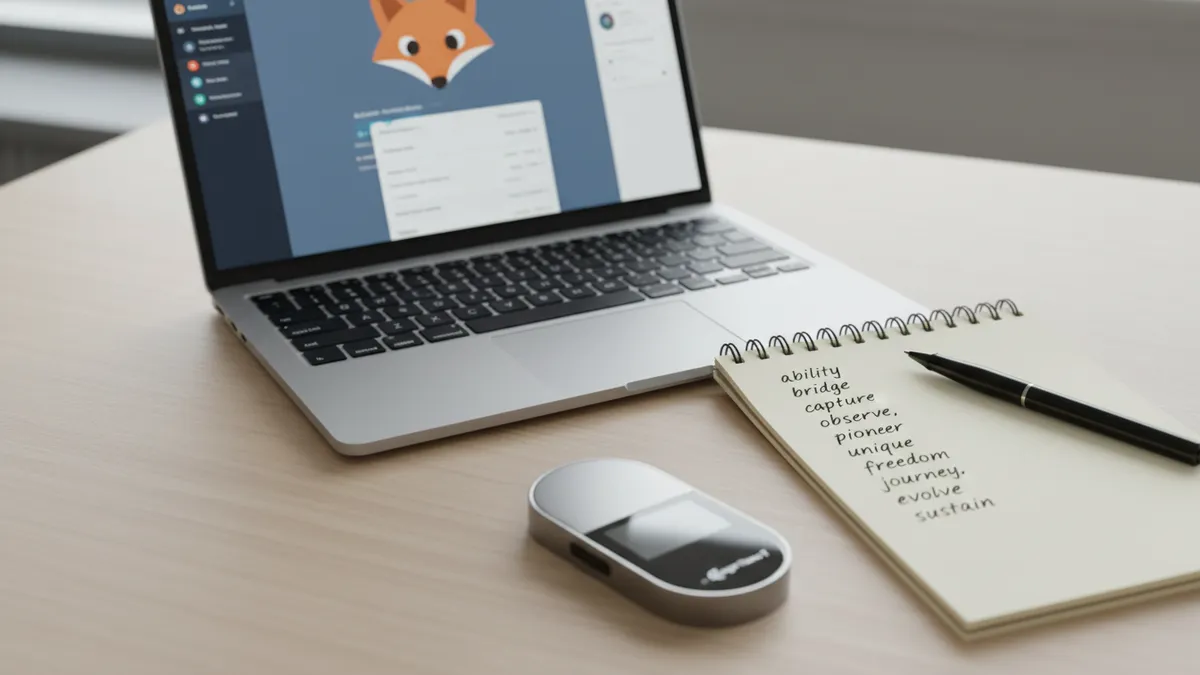
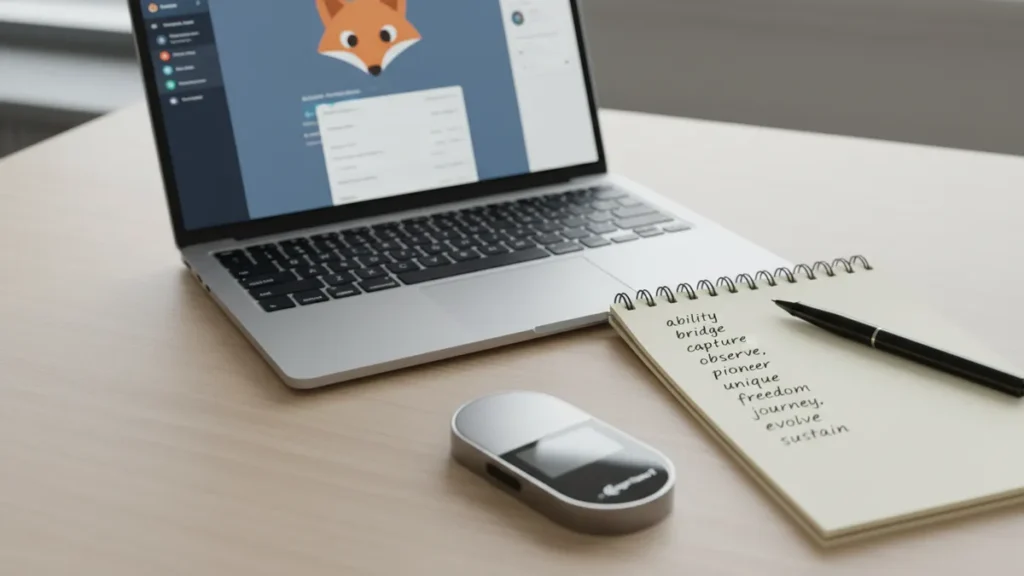
Quick Answer: To set up MetaMask, download the extension only from metamask.io, click “Create a New Wallet,” set a strong password, then write your 12-word Secret Recovery Phrase on paper (never digital). Confirm the phrase, fund the wallet from a trusted exchange, and add Layer 2 networks like Polygon and Arbitrum through ChainList.
I’ve been in this space since 2018. I blew up my first account chasing leverage during a manic stretch I no longer recognize. When I came back, sober and a lot more humble, the first thing I did was reset my self-custody setup from scratch. Everything below is how I do it today, and how I’d tell my sister to do it.
What Is MetaMask and Why 30 Million People Use It
MetaMask is a non-custodial browser extension and mobile app built by Consensys, the Ethereum development studio. As of early 2025, it has more than 30 million monthly active users, nearly matching its all-time high from January 2022. That number isn’t an accident. MetaMask is the gateway to almost everything happening on-chain.
Non-custodial means you hold the keys. There’s no help desk that can reset your password or recover your funds if you lose your seed phrase. That sounds scary, and honestly it should, because it puts you in the same seat as your own bank. But it also means no exchange can freeze you, lose your money in a bankruptcy, or block a transfer.
MetaMask supports 11 blockchains today including Ethereum, Polygon, Arbitrum, Base, Sei, and Solana, with Bitcoin support announced for 2026. Once you have it set up, you can swap tokens on Uniswap, lend on Aave, mint NFTs, or join a liquidity pool. It’s the steering wheel for Web3.
How to Install MetaMask (The Right Way — Fake Sites Are Everywhere)
This is where most people get rugged before they even start. Scammers buy Google Ads for the search term “MetaMask download,” and the top result is sometimes a clone site that installs a drainer on your machine.
I almost clicked one in March 2022. I was up early, half a cup of coffee in, and the sponsored link looked perfect. The font, the fox logo, the layout. The only thing that saved me was the URL ending in .app instead of .io. A friend in my Discord wasn’t as careful three weeks later and lost $8,400 in ETH that way. He’s still paying off the credit card he used to buy it.
Warning: Only download MetaMask from the official MetaMask website. Never click sponsored Google results. On the Chrome Web Store, verify the publisher is “https://metamask.io” before installing.
Installing the Browser Extension (Chrome, Firefox, Brave, Edge)
Type metamask.io directly into your address bar. Click “Download,” then pick your browser. The page will redirect you to the official extension store. Confirm the publisher field shows MetaMask’s verified domain, then install.
Installing the MetaMask Mobile App
On iOS, search the App Store for “MetaMask” and confirm the developer is ConsenSys Software Inc. On Android, do the same in the Play Store. Avoid third-party APK sites entirely. They are some of the most reliable ways to lose money in crypto.

How to Create Your MetaMask Wallet: Step by Step
Once installed, MetaMask gives you two choices: Create a New Wallet or Import Wallet. If this is your first time, choose Create.
Step 1: Choose “Create a New Wallet”
You’ll be asked whether to share anonymous usage data. That’s your call. Functionally, it doesn’t change anything about your wallet’s security.
Step 2: Set a Strong Password
This password unlocks MetaMask on this device only. It does not protect your funds if your seed phrase is compromised. Use 15+ characters, unique to MetaMask, generated by a password manager. I keep mine in Bitwarden behind a master password and 2FA.
Step 3: Watch the Secret Recovery Phrase Video
MetaMask will play a 90-second video before showing you your seed phrase. Watch it. I know you want to skip. Don’t. The video is the closest thing to a free safety briefing you’ll get, and the next screen is the most important one you’ll see in crypto.
How to Back Up Your Secret Recovery Phrase (Your Most Important Step)
Your wallet now reveals 12 words. That’s your Secret Recovery Phrase, also called your seed phrase. It is the master key to everything. Anyone who has those 12 words can import your wallet on any device, on any network, and drain it in under a minute. The password? Doesn’t matter to them. They never need it.
Here’s how I back mine up:
- Pen and paper only. Never type it. Never screenshot it. Never store it in iCloud, Google Drive, Notes, or a password manager.
- Two physical copies. One in a fireproof safe at home. One in a separate location like a safe deposit box or a trusted family member.
- Block out distractions. Don’t write it where a webcam can see, and don’t read it out loud while a smart speaker is on.
- Verify it. MetaMask asks you to click the words back in order. This is your test. Get it right before moving forward.
The threat is not theoretical. Nearly 15% of MetaMask users interacted with at least one phishing or malicious contract in 2025. The FreeDrain campaign deployed 38,000 fake MetaMask subdomains specifically to harvest seed phrases, draining wallets within minutes of compromise. You can read more in MetaMask’s monthly security reports.
“MetaMask can make the wallet more powerful and safe, and deliver our vision for a self-custody wallet that can serve as the center of a user’s financial life.” — MetaMask Product Team, Consensys
One more thing. MetaMask support will never ask for your seed phrase. No support agent in the entire crypto industry will ever ask for it. Anyone who does is stealing from you. Full stop.
How to Fund Your MetaMask Wallet
You’ve got an empty wallet. Now you need to put crypto in it. There are two reliable methods.
Method 1: Buy on a CEX, then withdraw. The cheapest path is to buy ETH on a regulated centralized exchange like Coinbase or Kraken, then withdraw it to your MetaMask address. Copy the address from the top of MetaMask, paste it into the exchange withdrawal form, and confirm.
Method 2: Buy directly inside MetaMask. Click the “Buy” button. MetaMask routes you through a third-party fiat-on-ramp. It’s faster and more convenient, but the fees are higher.
Whichever you choose, send a small test transaction first. Five or ten dollars worth. Confirm it lands. Then send the rest. You’ll also need ETH to pay gas fees for any future transactions, so don’t send your entire balance into a token you can’t move.
How to Add Networks to MetaMask (Polygon, Arbitrum, Base, and More)
MetaMask defaults to Ethereum Mainnet. To use cheaper, faster Layer 2 networks, you have to add them. There are two ways.
Method 1: Using ChainList (Fastest)
Go to ChainList. Click “Connect Wallet.” Search for the network you want, like Polygon or Arbitrum. Click “Add to MetaMask.” Confirm in the popup. That’s it. ChainList auto-fills every required field for over 1,000 EVM chains, which removes the manual error risk.
Method 2: Adding a Network Manually
Click the network selector at the top, then “Add Network,” then “Add Network Manually.” You’ll need five fields: Network Name, RPC URL, Chain ID, Currency Symbol, and Block Explorer URL. Get these only from official documentation, not random tweets.
Each chain uses its own native gas token. Arbitrum and Base both use ETH. Polygon uses POL. BNB Chain uses BNB. You need a small balance of the native token to do anything on that chain.
How to Connect MetaMask to DeFi Apps
This is the moment your wallet becomes useful. Visit any DeFi site, click “Connect Wallet,” and select MetaMask. Approve the connection in the popup.
Connecting your wallet does not give an app access to your funds. The app can only read your address. It needs you to sign a transaction before it can move anything. That’s a critical distinction most beginners miss.
The apps you’ll probably use first:
- Uniswap: Swap one token for another without an exchange.
- Aave: Lend out your crypto for yield, or borrow against it.
- Liquidity pools: Provide pairs of tokens to earn trading fees. Higher reward, real risk.
Always bookmark legitimate DeFi sites and connect from your bookmarks. Never click links from Discord DMs.
The Biggest MetaMask Mistakes I’ve Seen (And Almost Made)
I’ve watched smart people lose six-figure sums to mistakes that take 30 seconds to prevent. These are the three that show up over and over.
Mistake 1: Unlimited Token Approvals
When you swap or stake, you sign a transaction that gives a smart contract permission to spend your tokens. By default, many DeFi apps request unlimited approval. If that contract has a vulnerability, or turns out to be malicious, your tokens are gone.
Most wallet drains aren’t hacks. They’re permission mistakes. Audit your approvals monthly at revoke.cash or in MetaMask Portfolio’s approval manager. I do mine on the first Sunday of each month with my coffee. Takes 10 minutes.
Mistake 2: Phishing Sites That Look Exactly Like the Real Thing
MetaMask attacks affect approximately 500 users per day through fake extensions and lookalike sites. The 2025 FreeDrain campaign alone deployed 38,000 malicious subdomains. They use real-looking URLs, real logos, and real-looking “connect wallet” buttons that ask for your seed phrase. Spotting crypto scams is now a survival skill, not an optional one.
If a site ever asks for your 12 words, close the tab. There is no legitimate reason any website needs them. Read MetaMask’s official security guide twice through.
Mistake 3: Sending on the Wrong Network
I once watched a member of my Discord send 2 ETH from Coinbase to his MetaMask address on Arbitrum, but selected Ethereum mainnet on the way out. The funds technically arrived at the right address, but on the wrong chain. Recovery is possible sometimes, but it’s slow, technical, and not guaranteed.
“Spending from their self-custodial wallet without friction, without thinking about the crypto underneath.” — Ale Machado, Staff Product Manager, MetaMask
Always double-check the network before any send. The exchange dropdown and the MetaMask network selector should match.
When Should You Move to a Hardware Wallet?
MetaMask is a hot wallet. It’s connected to the internet. That makes it convenient, and also more exposed than something offline.
My rule of thumb: once your holdings exceed $1,000 to $2,000, add a hardware wallet. The math is simple. A Ledger costs around $80. If your wallet is ever compromised, that $80 is the cheapest insurance you’ll ever buy.
Good news: MetaMask integrates directly with Ledger and Trezor. The hardware wallet signs the transaction; MetaMask handles the interface. You get the convenience of a hot wallet with the security of cold storage. For a deeper breakdown, read hot wallet vs cold wallet and our roundup of the best crypto hardware wallets.
Frequently Asked Questions
Is MetaMask safe to use?
MetaMask itself is safe and audited, but the surrounding ecosystem is full of phishing. The wallet is only as safe as the user. Protect your seed phrase, audit your token approvals, and never click sponsored search ads for crypto downloads.
Can MetaMask be hacked?
The MetaMask app has not been broken at the protocol level. Nearly every “MetaMask hack” you read about is actually a phishing attack or a permission mistake on the user’s side. Your seed phrase and your approval signatures are the attack surface.
What happens if I lose my MetaMask password?
Your password only unlocks the app on one device. If you lose it, you reinstall MetaMask, click “Import Wallet,” enter your 12-word seed phrase, and set a new password. Your funds are unaffected because the seed phrase is the master key.
Does MetaMask cost money?
Installing and using MetaMask is free. You pay network gas fees for any on-chain transaction, and a small fee if you swap inside the MetaMask interface. There are no monthly costs.
Can I use MetaMask on multiple devices?
Yes. Install MetaMask on each device, choose “Import Wallet,” and enter the same seed phrase. Just understand the security tradeoff: more devices means more attack surface.
Your Next Steps
You now know how to set up MetaMask the right way, secure your seed phrase, fund your wallet, and avoid the mistakes that cost people billions in 2025. The wallet is the foundation. Everything else, including DeFi yields, NFT minting, and on-chain identity, builds on top of this one decision.
If you’re ready to keep learning, I’d start with our explainers on DeFi and seed phrase security. Then think hard about whether your holdings are big enough to justify a hardware wallet upgrade. Treat your wallet like your bank, because that’s exactly what it is now. The training wheels are off, and that’s a good thing.