Best Linux Package Manager in 2026: apt, dnf, pacman, Nix Compared
Compare the best Linux package managers in 2026: apt, dnf, pacman, zypper, and Nix. I tested them all — here's which one belongs on your system.

In this article
Picking the best Linux package manager in 2026 is one of those topics that can start a forum war faster than a Vim vs Emacs thread. I’ve been hopping distros since my first Ubuntu 8.04 install (which I famously broke with sudo rm -rf inside a directory I should not have been in), and after almost two decades of running everything from Proxmox boxes to bleeding-edge Arch workstations, I have opinions. Strong ones.
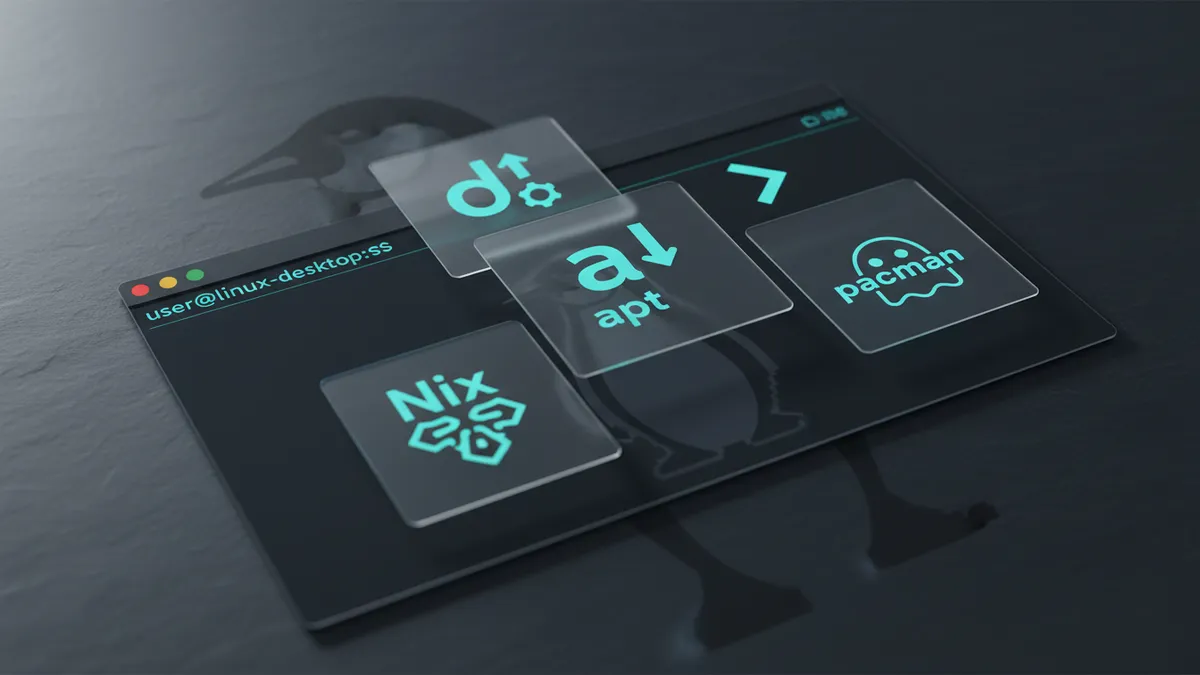
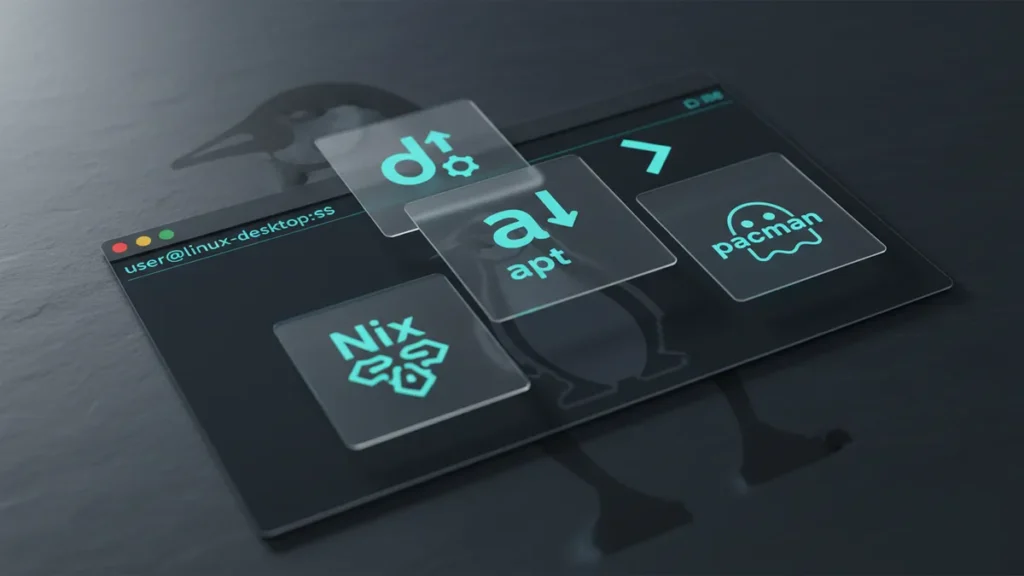
So I tested them all again this year. apt, dnf, pacman, zypper, Nix, plus the universal formats — Flatpak, Snap, and AppImage. This guide is the side-by-side breakdown I wish someone had handed me back when I was distro-hopping every weekend.
Quick answer: For most desktop users on Debian/Ubuntu, apt is still the default winner. Power users on Arch should stick with pacman. Enterprise sysadmins live in dnf. And if you want true reproducibility, Nix is the most exciting thing happening in package management today. Use the right tool for the right job — there is no single winner.
What Is a Linux Package Manager (And Why It Matters)
A package manager is the layer between you and the chaos of installing software on Linux. It handles dependency resolution, downloads, signature verification, and updates automatically. Without one, you’re stuck compiling software from source every time you want a new app — and trust me, that gets old fast.
If you’ve never thought about which one you use, that’s normal. Your distro picks for you. But understanding what’s under the hood makes you a noticeably better sysadmin. It also explains why an upgrade on one box takes 30 seconds and on another it takes 20 minutes.
I remember the first time I jumped from Ubuntu to Arch. I typed apt install on instinct, got a “command not found,” then stared at pacman -Syu in the docs like it was hieroglyphics. By the end of the weekend it clicked — and I never looked back. For a softer landing, see my guide on how to install software on Linux.
The Big Four: Distro-Native Package Managers
These are the heavyweights. Each one is glued to a family of distros, and you’ll almost always be using whichever one shipped with your install.
APT — The Workhorse (Debian, Ubuntu, and Derivatives)
APT has been around since 1998 and works with .deb packages. Around 54% of all Linux deployments run an APT-based distro — that’s Ubuntu, Debian, Mint, Pop!_OS, Proxmox, Raspberry Pi OS, and a small army of derivatives. If you’ve ever touched Linux, odds are you’ve typed apt install.
The one trip-up I see beginners hit constantly: the difference between apt update and apt upgrade. They sound the same. They are not. I wrote a whole piece breaking down apt update vs apt upgrade because this confusion has bitten me — and every junior I’ve ever mentored.
APT shines in automation. It’s the most-targeted package manager in Ansible on Linux playbooks I write, and the documentation pile online is just enormous. If you’re new, this is where I’d send you. Pair it with a friendly distro — see my picks for best Linux distro for beginners.
DNF — The Enterprise Standard (Fedora, RHEL, CentOS Stream)
DNF replaced the old yum command and is the enterprise-grade option. Red Hat Enterprise Linux holds 43.1% of the enterprise Linux server segment, which means if you work in a serious data center, you’re going to live in DNF whether you like it or not.

What I love about DNF: automatic cache refresh, transaction rollbacks, and beautifully scriptable output. What’s new and worth shouting about: DNF5. It’s been available since Fedora 38 and is a full C++ rewrite — dramatically faster than the old Python-based DNF4. If you’re still running DNF4 in 2026, you’re leaving real performance on the table.
For server selection guidance pairing DNF with the right base OS, check my breakdown of the best Linux distros for servers.
Pacman — The Fast One (Arch Linux and Derivatives)
BTW, I use Arch. Sorry, had to.
Pacman is blisteringly fast. The flag syntax (-S sync, -Q query, -R remove) feels foreign at first, then becomes muscle memory. Arch sits at around 2% of the full Linux install base, but it’s wildly over-represented among power users, and the Arch-based CachyOS was the #1 trending distro on DistroWatch through April 2026.
The secret weapon is the Arch Wiki — genuinely the gold standard of Linux documentation. Half of what I know about Linux I learned from reading the wiki to fix something I broke at 2am.
Zypper — The Underrated Option (openSUSE, SUSE Linux Enterprise)
Zypper is the package manager nobody talks about, and that’s a shame. It uses a SAT solver for dependency resolution, which makes it surprisingly clean when handling complex package graphs. It feels like a hybrid of apt and dnf — and it dominates the SUSE Enterprise world quietly.
If you’ve never used openSUSE Tumbleweed, you’re missing one of the most polished rolling-release experiences out there.
The Modern Challenger: Nix
Now we get to the fun one. Nix is not a distro-native package manager — it’s a way of thinking about software installation entirely. Packages are declarative, immutable, and cryptographically verified. You write a config file describing what your system should look like, and Nix makes it so.
The numbers are wild. The NixOS official site backs a repo of 122,000+ packages as of January 2025, more up-to-date than any other Linux package repository per Repology. That’s not a typo. And every install is atomic — if an upgrade breaks something, you reboot into the previous generation and you’re fine.
The headline feature in 2026 is Nix Flakes, the standard way to define reproducible project environments with lockfiles. They’re technically still “experimental” but everyone uses them. According to a 2026 developer survey, 75% of developers using Nix shells reported faster setup times and fewer dependency conflicts than teams on traditional package managers.
For background context, the Nix package manager Wikipedia page has a great history of how this approach evolved.
The first time I deployed a Nix Flake to spin up a dev environment for a friend, he ran one command, and his laptop was bit-identical to mine in under a minute. I sat there for a second just staring at the terminal. It felt like cheating.
The downside? The Nix Expression Language is unlike anything else in Linux. There is a real learning curve. But if you’ve been frustrated by “works on my machine” headaches, Nix is the closest thing to a permanent fix. Some folks prefer Docker on Linux for the same problem — but Nix wins on system-wide reproducibility.
Universal Package Formats: Flatpak, Snap, and AppImage
These are not replacements for apt, dnf, or pacman. They’re complements — meant for desktop applications that need to run across any distro.
Flatpak — The Community-Governed Desktop Choice
Flatpak is my default for GUI apps. Community-governed via Flathub, fine-grained sandboxing permissions, and shared runtimes save real disk space. It’s the default on Fedora and most non-Ubuntu desktop distros.
Snap — Ubuntu’s Integrated Ecosystem
Snap is Canonical-governed and runs as a daemon — you can manage snapd with systemctl like any other service. It auto-updates in the background, which is great for IoT and server use but mildly infuriating on desktop when it restarts a running app. Some distros (Linux Mint, looking at you) block it out of the box.
AppImage — Portable but Unsandboxed
AppImage is the fastest startup of the three. No daemon, no install — just chmod +x ./MyApp.AppImage and run. Trade-off: no sandbox. AppImages run with your full user permissions. If isolation matters to you, see my picks for Linux security tools.
Security ranking: Flatpak ≈ Snap > AppImage. All distro-native package managers use GPG key verification for signed repos — Nix and Flatpak add cryptographic verification on top.
Speed Comparison: Which Package Manager Is Fastest?
Real talk: pacman is the speed king. It doesn’t constantly call fsync() like apt-get does, and Arch’s single-version-per-library approach means dependency resolution is far simpler. When I install a package on Arch, it’s done before I’ve reached for my coffee. When I do the same on Ubuntu, I have time to actually drink it.
DNF used to be the slowest, full stop. The Python-based DNF4 was painful on large transactions. DNF5 changes that completely — it’s a different beast.
Nix has a unique speed profile. The first build of a derivation can be slow because it’s building everything from scratch and hashing it. But once cached, subsequent installs of the same derivation are essentially instant.
For the deep technical explanation, I always send people to Michael Stapelberg’s technical analysis of package manager performance:
“Maintaining metadata for complex version resolution has the effect that Linux package managers are slow. In Arch Linux, partial upgrades are unsupported and only a single version of each shared library is in the official repositories, which avoids the intractable issue that dependency hell is NP-complete.” — Michael Stapelberg, Google Software Engineer
Dependency resolution is NP-complete. That sentence alone explains 90% of the speed gap between package managers.
Quick Command Reference: Side-by-Side Syntax
I keep this table tattooed in my dotfiles. Bookmark it.
| Task | apt | dnf | pacman | zypper |
|---|---|---|---|---|
| Install | apt install |
dnf install |
pacman -S |
zypper install |
| Remove | apt remove |
dnf remove |
pacman -R |
zypper remove |
| Update all | apt upgrade |
dnf upgrade |
pacman -Syu |
zypper update |
| Search | apt search |
dnf search |
pacman -Ss |
zypper search |
| List installed | apt list --installed |
dnf list installed |
pacman -Q |
zypper packages -i |
Pro tip: If you hop between distros like I do, set up bash aliases like alias pkginstall='sudo pacman -S' so your fingers don’t have to relearn the syntax every time you SSH into a different box.
Which Linux Package Manager Should You Use?
Here’s the honest, opinionated answer based on what I’ve actually deployed in production and at home:
- RHEL / CentOS / Rocky Linux sysadmin: dnf. No real choice. Learn DNF5 — it’s the future.
- Ubuntu / Debian server: apt. Mature, massive docs, pairs beautifully with Ansible.
- Arch / power desktop user: pacman, plus an AUR helper like
yayorparu. Fastest, freshest packages. - Developer who needs reproducibility: Nix. The curve is real, but nothing else compares for dev environments.
- Desktop GUI app isolation: Flatpak from Flathub. Best default on every distro.
The big lesson I had to learn the hard way: stop trying to make one package manager rule them all. My homelab Proxmox boxes run apt. My production servers run Rocky Linux with dnf. My workstation runs Arch with pacman. And every single dev project I ship has a Nix flake. They all coexist peacefully — because each one is the right tool for that specific job.
Final Thoughts
The “best” Linux package manager in 2026 isn’t a single tool — it’s the one that matches your workflow. The good news is that all four of the big distro-native managers are mature, stable, and getting better every release. Nix is the genuine wildcard worth learning. Universal formats fill the desktop gap nicely.
If you’re still deciding which distro to commit to, my reviews on the best Linux distro for beginners and best Linux distros for servers will help you pick a Linux distro that matches the package manager workflow you want to live in. Already on a distro? Get cozy with its native package manager first — then play with Nix on the side once you’re comfortable.
Got a question about your specific setup, or want me to cover a niche package manager I skipped? Drop a comment on the post or send a note through the contact page — I read everything, and reader questions become future articles around here.